WordPress Security Guide: Proven 11 Steps to Protect Your Site from Hackers
Learn how to secure your WordPress website with this step-by-step WordPress security guide. Covers plugins, settings, backups, and a full checklist.

Knowing that something is possible in WordPress is one thing – knowing exactly how to do it is another. The Tutorials category bridges that gap with clear, step-by-step instructions written for real people, not developers with years of experience.
Each tutorial walks you through a specific task from start to finish, with screenshots and straightforward explanations at every stage. Topics range from beginner essentials like installing a plugin or setting up a custom menu – to more technical tasks like configuring a caching plugin for better performance, setting up redirects, or integrating Google Search Console with your site. The instructions are written to be followed, not just skimmed, so you’ll always know what to do next. If you ever find yourself searching “how do I…” for anything WordPress-related, there’s a good chance the Tutorials category already has you covered. Dive in and start building your WordPress skills one task at a time.
Learn how to secure your WordPress website with this step-by-step WordPress security guide. Covers plugins, settings, backups, and a full checklist.
Struggling with common WordPress errors? Learn how to fix the white screen of death, 500 error, and more – with clear, beginner-friendly steps.
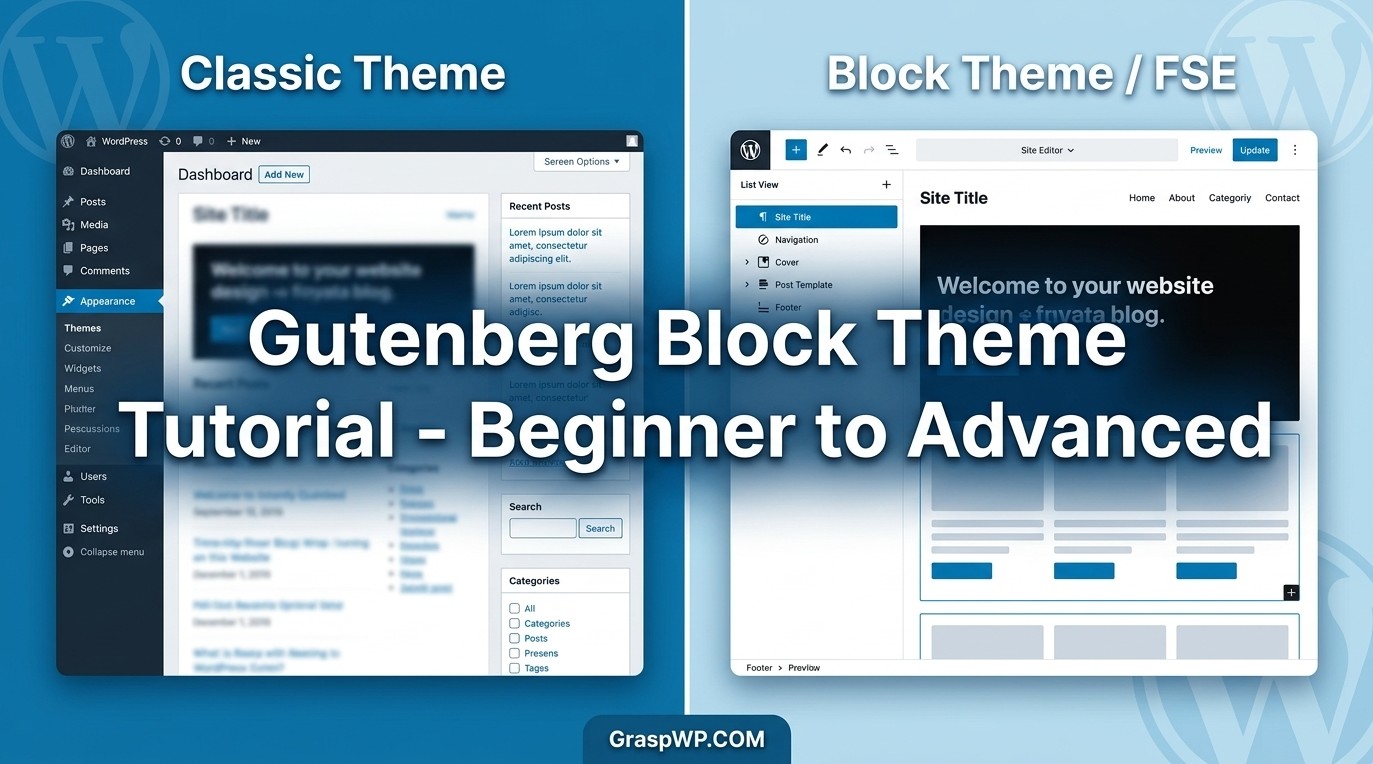
Learn Gutenberg block themes from scratch – install themes, edit templates, customize headers and styles with this complete FSE WordPress tutorial.