File Type Not Permitted WordPress Error? Here Are the Proven Fixes That Actually Work
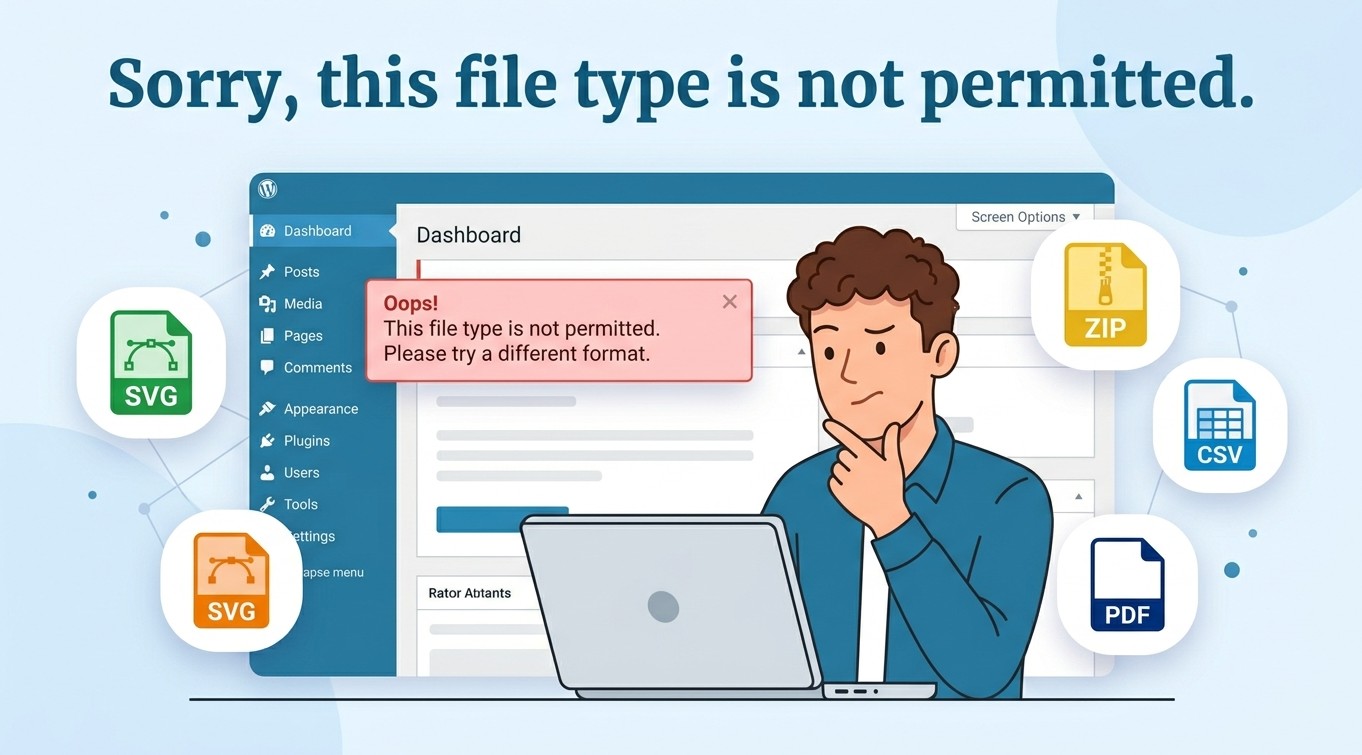
Getting the “sorry, this file type is not permitted” error in WordPress? Learn 6 proven ways to fix it safely – no experience needed.

Knowing that something is possible in WordPress is one thing – knowing exactly how to do it is another. The Tutorials category bridges that gap with clear, step-by-step instructions written for real people, not developers with years of experience.
Each tutorial walks you through a specific task from start to finish, with screenshots and straightforward explanations at every stage. Topics range from beginner essentials like installing a plugin or setting up a custom menu – to more technical tasks like configuring a caching plugin for better performance, setting up redirects, or integrating Google Search Console with your site. The instructions are written to be followed, not just skimmed, so you’ll always know what to do next. If you ever find yourself searching “how do I…” for anything WordPress-related, there’s a good chance the Tutorials category already has you covered. Dive in and start building your WordPress skills one task at a time.
Getting the “sorry, this file type is not permitted” error in WordPress? Learn 6 proven ways to fix it safely – no experience needed.
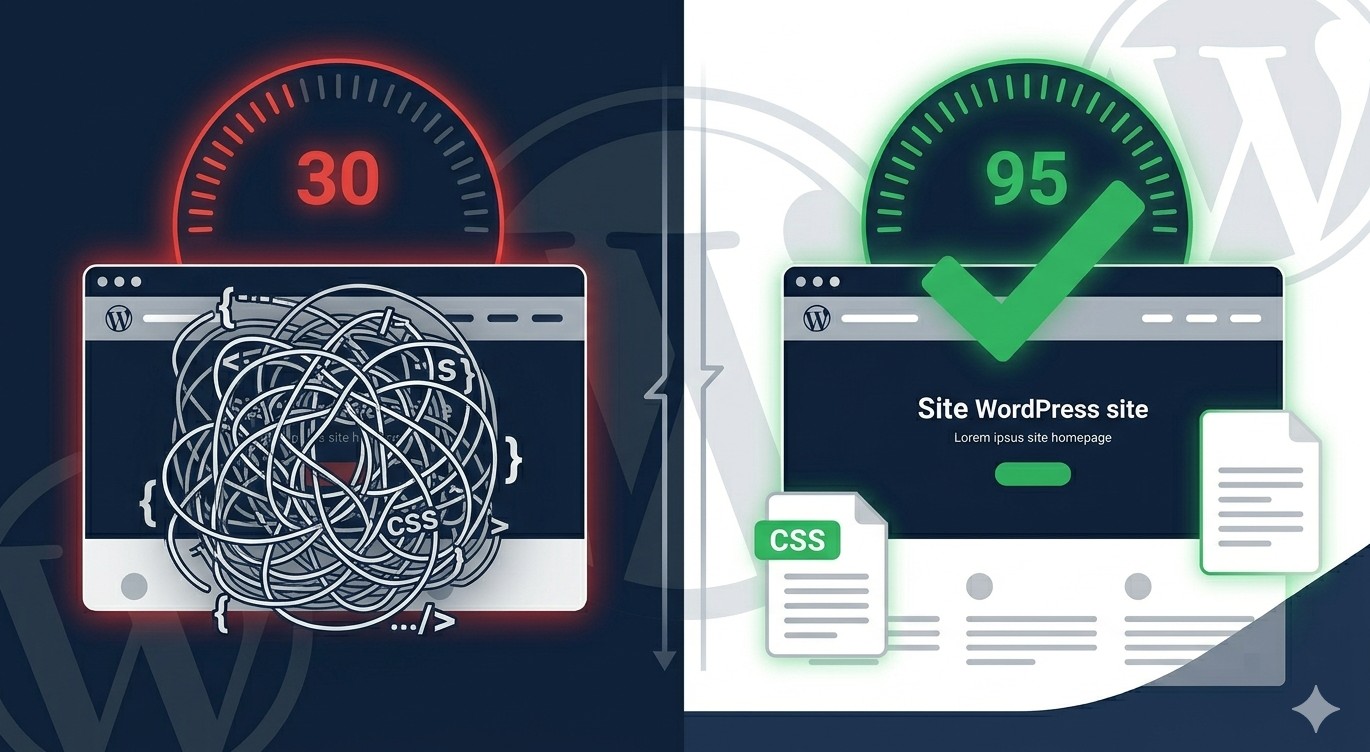
Learn how to eliminate unused CSS in WordPress using plugins and manual methods. Improve your PageSpeed score and load times with this step-by-step guide.
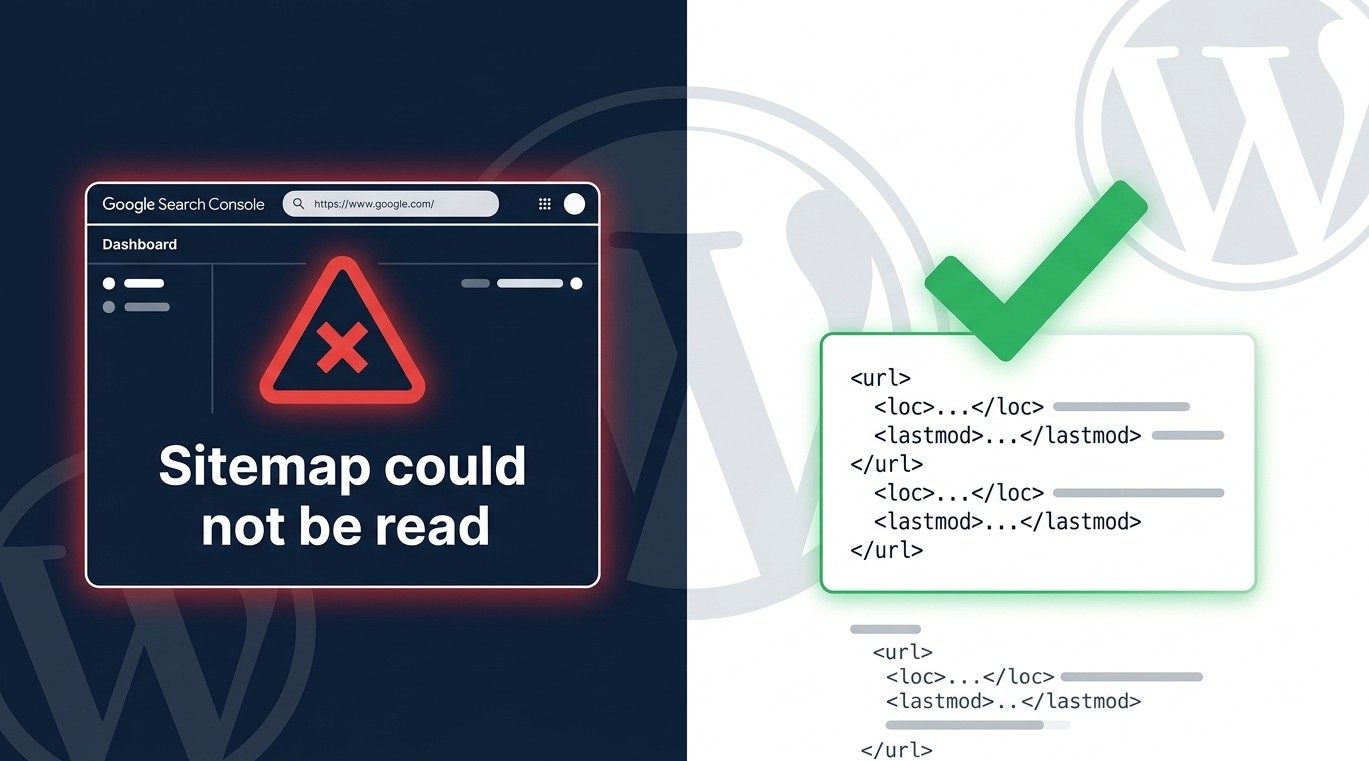
Getting an XML sitemap error in WordPress? Learn exactly how to fix the “sitemap could not be read” GSC error with 10 clear, beginner-friendly steps.
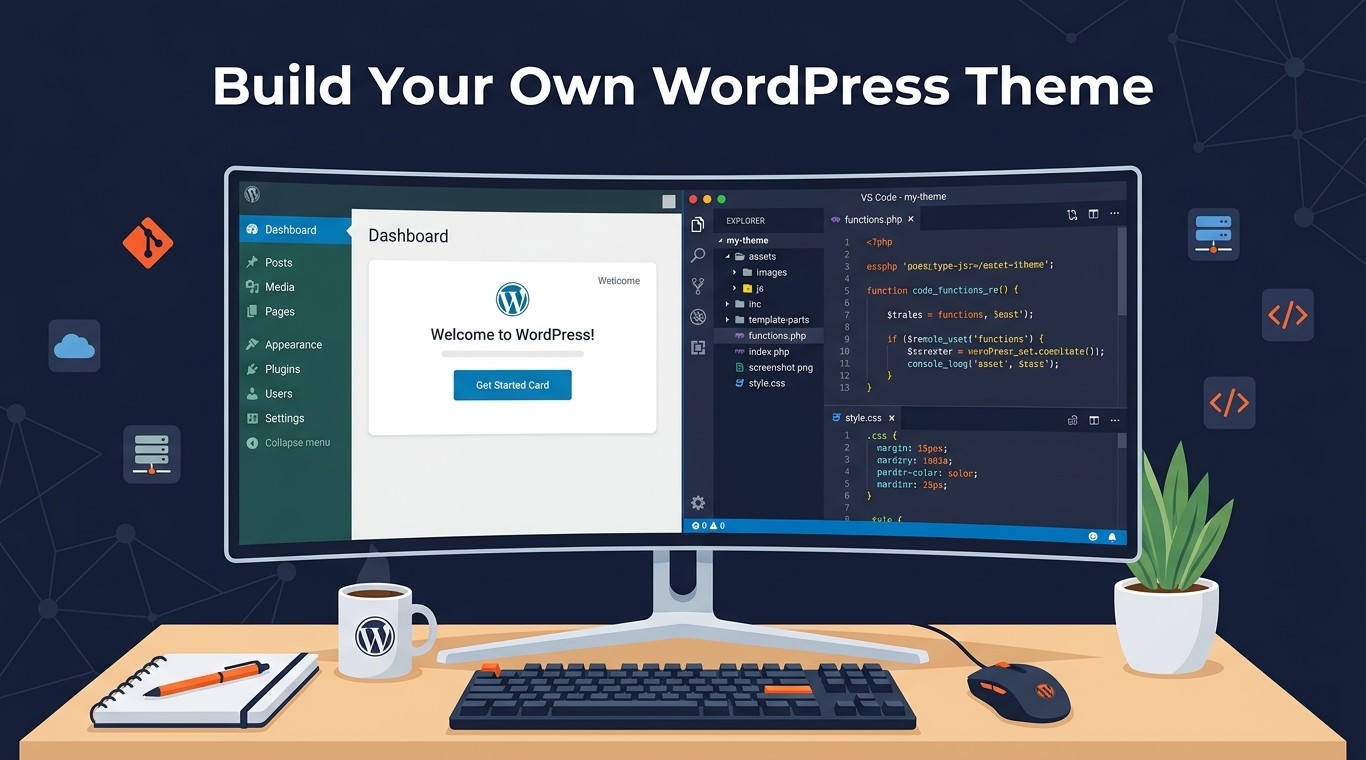
Learn how to create custom WordPress theme from scratch. This beginner guide covers file structure, template files, and functions.php step by step.
Learn how to add Google Analytics to WordPress the right way. This beginner-friendly guide covers GA4 setup, plugin methods, and tracking tips in 2026.
Is your WordPress site showing a blank page? Learn how to fix the WordPress white screen of death fast with these step-by-step troubleshooting fixes.
Getting the “error establishing a database connection” in WordPress? Follow this step-by-step guide to diagnose and fix it fast – no coding experience needed.
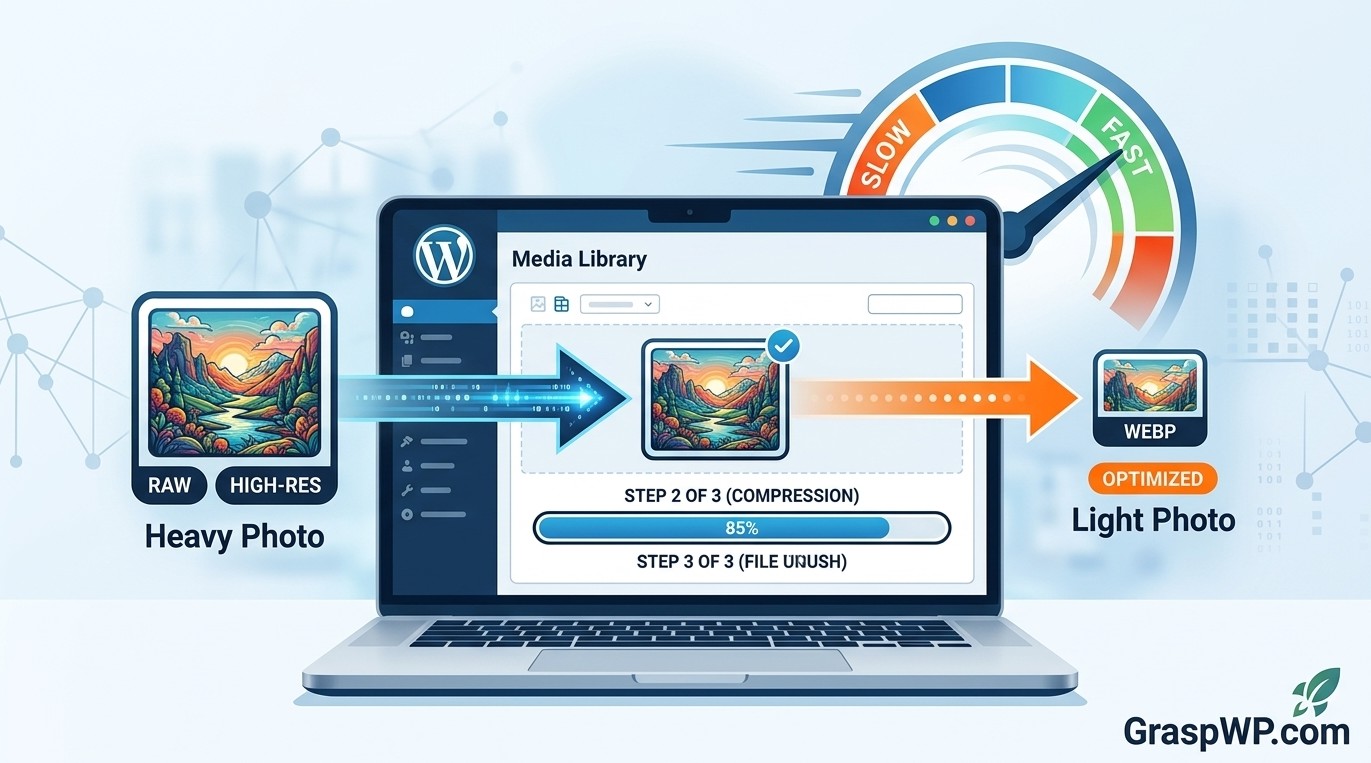
Learn how to optimize images in WordPress with this step-by-step guide. Covers image compression, WebP, lazy loading, and the best plugins to boost page speed.
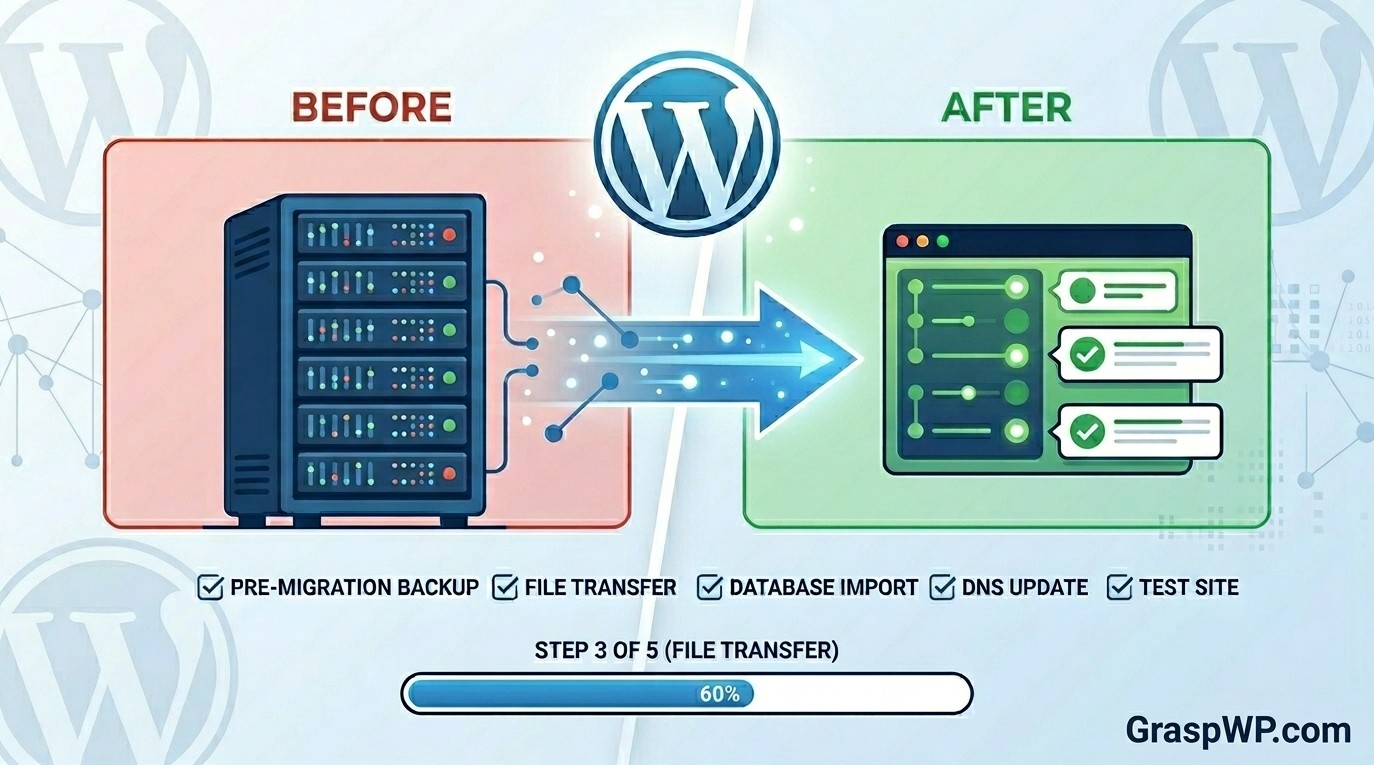
Learn how to migrate WordPress site to new host without losing data. Follow this beginner-friendly, step-by-step WordPress migration guide.
Is your wp-admin slow and painful to use? Follow this step-by-step guide to fix a slow WordPress admin dashboard fast – no technical skills needed.