WordPress SEO Tips That Every Serious Blogger Must Master Before Publishing
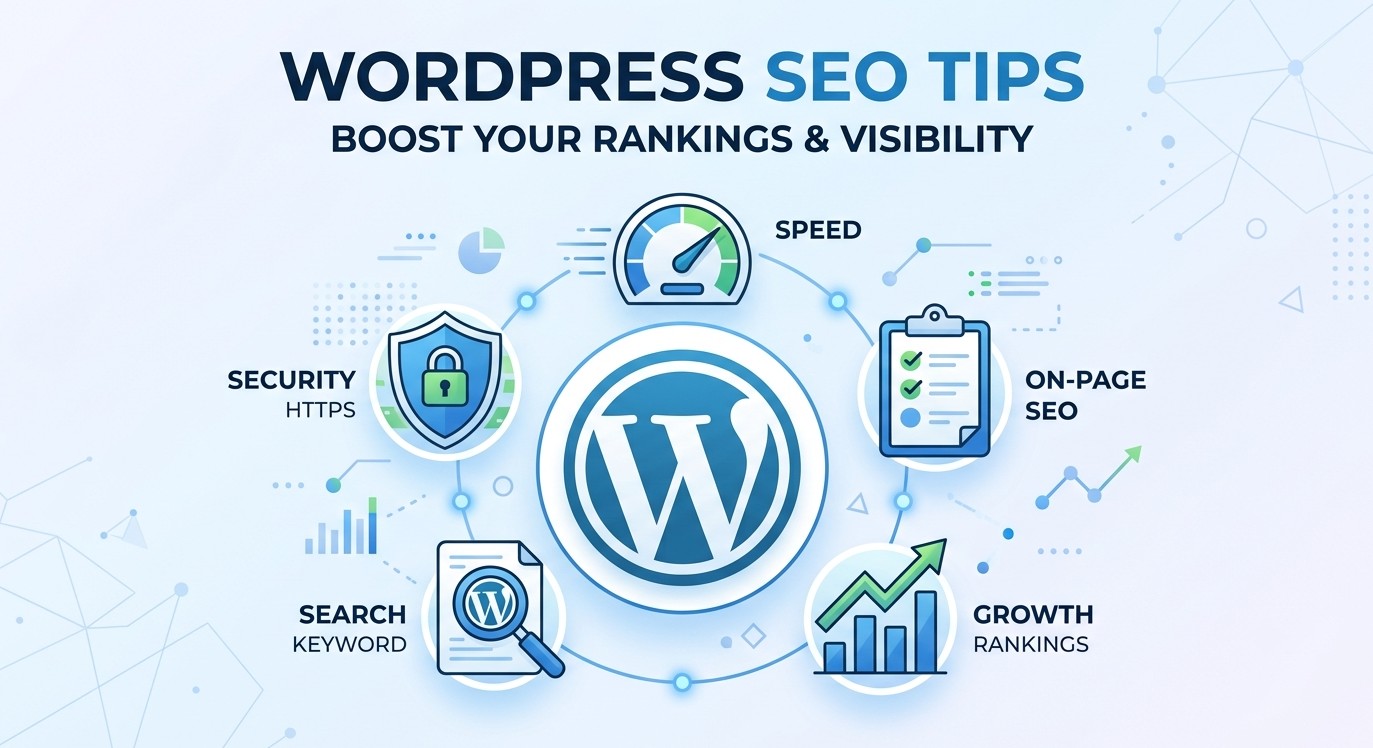
Discover the most effective WordPress SEO tips for 2026. Learn on-page SEO, RankMath settings, speed optimization, and more – perfect for beginners.

Not every WordPress improvement requires a deep dive. Sometimes a single setting, a lesser-known feature, or a quick configuration change is all it takes to meaningfully improve your site. That’s exactly what this category is for – practical, actionable tips that deliver results without requiring hours of your time.
You’ll find ideas for speeding up your WordPress site, cleaning up the admin dashboard, improving your content workflow, tightening security, and making smarter use of the tools you already have installed. Some tips involve built-in WordPress features you might not know exist; others involve quick wins from plugins like caching tools or image optimizers that most sites should already be running. These aren’t filler suggestions, each one is something you can realistically apply today. If you enjoy discovering that there’s a faster or smarter way to do something you do every day in WordPress, the Tips & Tricks category will become one of your most-visited spots on the site.
Discover the most effective WordPress SEO tips for 2026. Learn on-page SEO, RankMath settings, speed optimization, and more – perfect for beginners.
Learn how to secure your WordPress login page with proven methods – limit login attempts, add 2FA, protect wp-login.php, and stop brute force attacks fast.
Struggling with common WordPress errors? Learn how to fix the white screen of death, 500 error, and more – with clear, beginner-friendly steps.
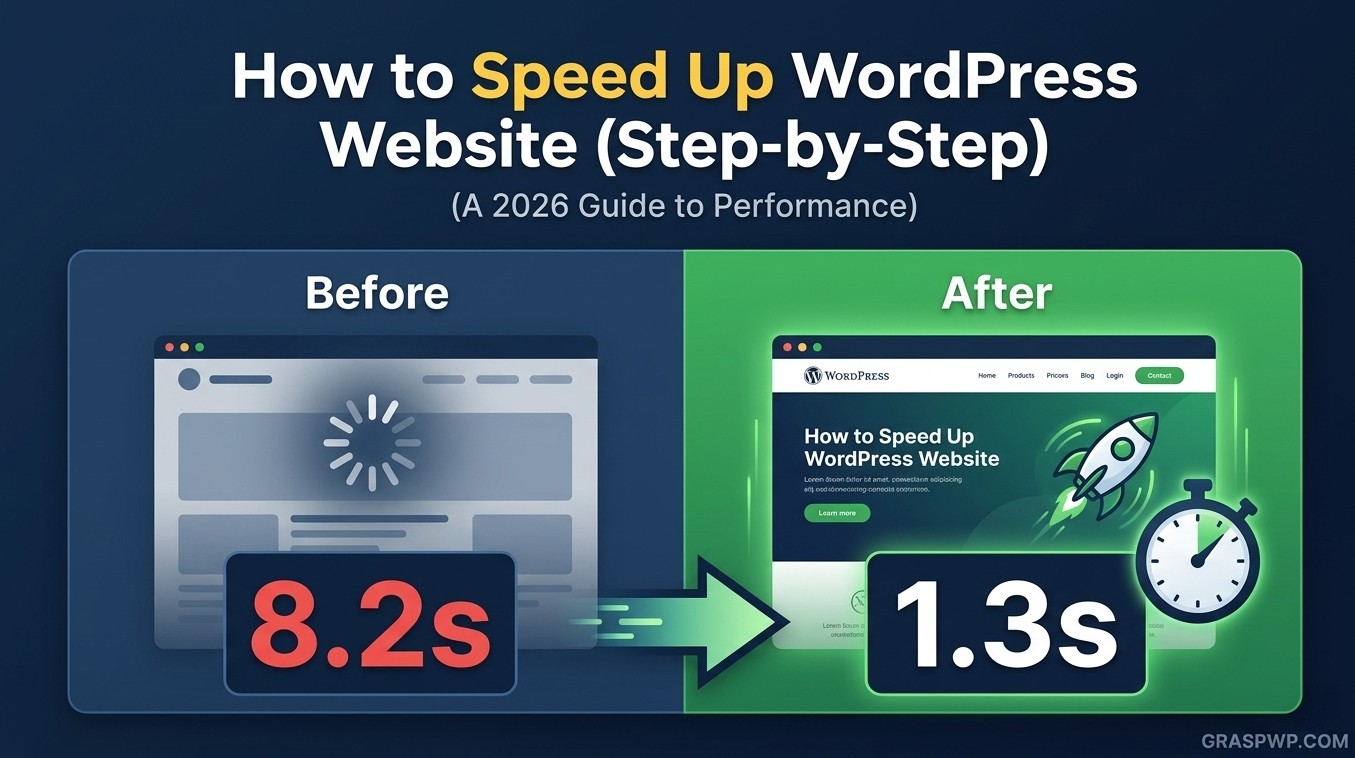
Learn how to speed up your WordPress website with proven steps – caching, image optimization, CDN, and Core Web Vitals fixes. Beginner-friendly guide.