
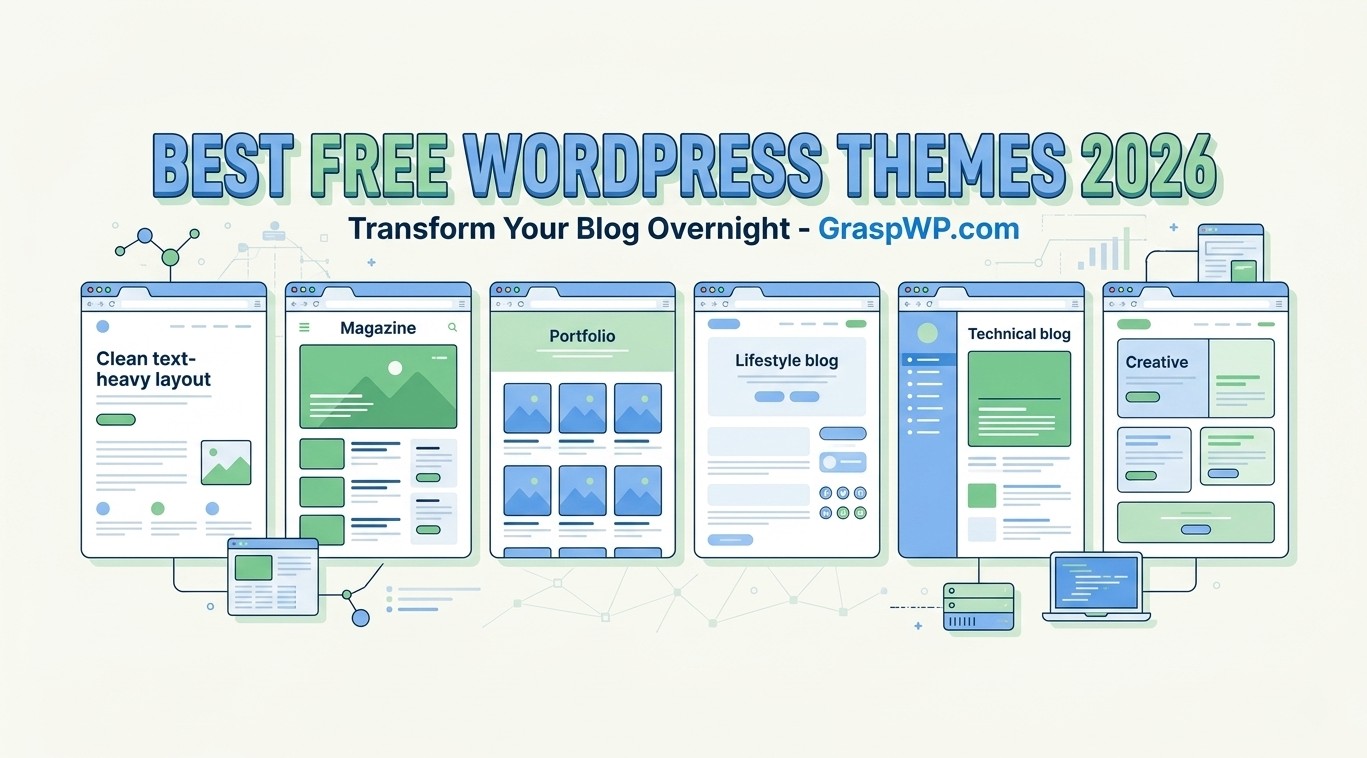
Your theme is the first thing every visitor notices – and the last thing most bloggers think carefully about. Choosing the wrong one can slow your site down, hurt your rankings, and drive readers away before they read a single word. The good news? You do not need to spend a dollar to get a great-looking, fast-loading blog.
In this guide, we have hand-picked the best free WordPress themes available right now – tested for speed, design, and beginner-friendliness. Whether you are just starting your blog or looking to switch things up, there is something on this list for you.
Table of Contents
Why Your Theme Choice Matters More Than You Think
Most beginners pick a theme based on how it looks in the demo. That is understandable – but it is only half the picture.
A bloated theme can add seconds to your page load time. And in 2026, Google’s Core Web Vitals are still a real ranking factor. A slow site means lower rankings, higher bounce rates, and fewer readers.
Here is what you should actually look for in a free blogging theme:
- Page speed – Does it load in under 2 seconds?
- Mobile responsiveness – Does it look good on phones?
- Clean code – Is it built without unnecessary scripts and plugins?
- Customization options – Can you change colors, fonts, and layouts easily?
- Block editor support – Is it fully compatible with Gutenberg?
- SEO-readiness – Does it use proper heading structure and schema markup?
If you want a deeper dive into speeding up your WordPress site after picking your theme, check out our guide on how to speed up your WordPress website.
The Best Free WordPress Themes for Bloggers
1. Kadence
Best for: All-around blogging, especially beginners who want flexibility.
Kadence has quickly become one of the most recommended free WordPress themes in the community – and for good reason. It is lightweight, fast out of the box, and comes with a live customizer that is actually intuitive.
What makes it stand out:
- Loads in well under 1 second on a basic server setup
- Built-in color palette and typography controls
- Starter templates available (even in the free version)
- Works seamlessly with any page builder or the native block editor
Pro Tip: Use Kadence’s “Header Builder” in the free version to get a sticky header without installing an extra plugin. That alone saves you a plugin slot and keeps your site lean.
2. Astra
Best for: Bloggers who want maximum customization without touching code.
Astra is one of the most installed free blogging themes on WordPress.org – and it has earned that reputation. It weighs less than 50KB, which is remarkably light for a theme this feature-rich.
Key features:
- Ultra-fast performance (consistently scores 95+ on Google PageSpeed)
- Full compatibility with Elementor, Beaver Builder, and Gutenberg
- Pre-built starter sites, including blog-specific layouts
- Accessible and WCAG-compliant
Common Mistake to Avoid: Many users install Astra and then pile on heavy plugins for typography and headers – things Astra already handles natively. Always check what your theme offers before adding a plugin.
3. GeneratePress
Best for: Speed-obsessed bloggers and developers who want clean code.
GeneratePress is not flashy. But if you care about raw performance, it is hard to beat. The free version loads at around 10KB of CSS – making it one of the lightest lightweight WP themes available anywhere.
Why bloggers love it:
- Scored 100/100 on Google PageSpeed in multiple independent tests
- Modular design – enable only the features you need
- Excellent accessibility support
- Active community and developer-friendly hooks
Real-World Example: A personal finance blogger migrated from a premium theme to GeneratePress Free and saw their Time to First Byte (TTFB) drop from 1.2 seconds to 0.4 seconds – without changing hosting. If you want to change your host try out our recommended one.
4. Blocksy
Best for: Bloggers who want a modern look with full site editing support.
Blocksy is built for the Gutenberg era. It supports Full Site Editing (FSE), which means you can customize your entire site – header, footer, blog archive, single post – directly from the WordPress editor without any extra tools.
Standout features:
- Beautiful, modern default design
- Built-in performance optimizations (lazy loading, no jQuery dependency)
- Dark mode support out of the box
- Multiple header and footer layouts in the free version
Pro Tip: Pair Blocksy with the free Gutenberg Block Theme tutorial on GraspWP to unlock the full power of FSE – no page builder needed.
5. Neve
Best for: Bloggers who plan to monetize through WooCommerce or run multi-niche content.
Neve is a mobile-first theme that loads fast and adapts well to different content types. It is particularly strong if you ever plan to add an online store or a portfolio alongside your blog.
Key features:
- AMP-ready for fast mobile loading
- Seamless WooCommerce integration
- Multiple header presets in the free version
- Compatible with all major page builders
6. Zakra
Best for: Niche bloggers who want a variety of starter designs.
Zakra is often overlooked, but it ships with over 65 free starter templates covering niches from travel to food to personal blogs. It is clean, well-coded, and genuinely fast.
Why it deserves a spot on this list:
- 65+ free demo templates (more than most premium themes offer)
- SEO-optimized HTML structure
- Schema markup built-in
- Lightweight core with modular sections
How to Install a Free WordPress Theme (Step-by-Step)
If you are new to WordPress, here is how to activate any of the themes above:
- Log in to your WordPress Dashboard
- Go to Appearance > Themes
- Click Add New
- Search for the theme name (e.g., “Kadence” or “Astra”)
- Click Install, then Activate
- Go to Appearance > Customize to start setting it up
That is it. No FTP, no coding, no confusion. If you are still in the early stages of setting up your site, our guide on how to install WordPress on any hosting walks you through the full setup from scratch.
Free vs. Premium: When Should You Upgrade?
This is a question every blogger eventually asks. Here is an honest answer.
Stick with the free version if:
- You are just starting out and testing your niche
- Your traffic is under 10,000 monthly visitors
- You do not need WooCommerce or advanced layout control
Consider upgrading when:
- You want custom post types, sticky headers, or sidebar layouts that the free version does not support
- You need dedicated support from the theme developer
- Your blog income justifies the investment (usually around $50 to $79/year for most of these themes)
The free versions of Kadence, Astra, and GeneratePress are genuinely usable long-term – many professional bloggers stick with them indefinitely.
Speed Comparison: Which Free Theme is the Fastest?
Here is a rough benchmark based on a standard WordPress install with no extra plugins (results vary by hosting):
| Theme | Page Size | Load Time (avg) | PageSpeed Score |
|---|---|---|---|
| GeneratePress | ~10KB CSS | 0.4s | 99-100 |
| Kadence | ~30KB CSS | 0.6s | 96-98 |
| Astra | ~50KB CSS | 0.7s | 95-97 |
| Blocksy | ~55KB CSS | 0.8s | 93-96 |
| Neve | ~60KB CSS | 0.9s | 92-95 |
| Zakra | ~65KB CSS | 1.0s | 90-94 |
Takeaway: All six themes are genuinely fast compared to the average WordPress theme. GeneratePress wins on raw speed; Kadence wins on the balance of speed and built-in features.
Must-Have Plugins to Pair With Your Free Theme
A great theme works even better with the right plugins. Once you have installed your theme, consider adding:
- Rank Math or Yoast SEO – For on-page SEO (see our Rank Math vs Yoast SEO comparison to pick the right one)
- WP Rocket or LiteSpeed Cache – For caching and speed
- Smush or ShortPixel – For image compression
- UpdraftPlus – For backups
You can find a full breakdown of must-have tools in our article on essential WordPress plugins every new website needs.
Common Mistakes Bloggers Make When Choosing a Theme
Learning from others’ mistakes is the fastest way to avoid them yourself.
Mistake 1: Choosing based on demo design alone The demo always looks great – it has professional photos and perfect content. Your blog will look different. Always check a theme’s performance scores, not just its screenshots.
Mistake 2: Installing too many plugins to compensate If your theme lacks a feature, resist the urge to install a plugin for every gap. More plugins mean more HTTP requests and a slower site. Choose a theme that covers your core needs.
Mistake 3: Switching themes often Every time you switch themes, your layout can break and your customizations are lost. Pick one of the themes above, commit to it, and invest time in customizing it properly.
Mistake 4: Ignoring mobile preview Over 60% of blog traffic comes from mobile. Always preview your chosen theme on a phone before publishing.
Frequently Ask Questions (FAQ)
What is the best free WordPress theme for a beginner blogger?
Kadence and Astra are the top picks for beginners. Both have intuitive customizers, good documentation, and starter templates that make it easy to launch a good-looking blog without any coding knowledge.
Are free WordPress themes safe to use?
Yes – as long as you download them from the official WordPress.org theme repository. All themes there go through a review process. Avoid downloading free themes from random third-party websites, as these can contain malicious code.
Can I use a free WordPress theme for a professional blog?
Absolutely. Many high-traffic blogs – including those earning thousands of dollars per month – run on free themes like GeneratePress or Kadence. The free version does not limit your ability to rank or monetize.
Which free WordPress theme is the fastest?
GeneratePress is generally considered the fastest free WordPress theme, with a CSS file under 10KB and load times that consistently beat competitors in benchmark tests.
What is the difference between a free theme and a premium theme?
The main differences are support, advanced layout options, and integrations (like WooCommerce or membership features). Free themes are more than enough for most bloggers starting out. Upgrading makes sense once you need features the free version does not cover.
Do free WordPress themes hurt SEO?
No – in fact, lightweight free blogging themes like the ones listed here can boost your SEO by improving your Core Web Vitals scores. What hurts SEO is a slow, poorly coded theme – not the price tag.
Conclusion
You do not need a premium theme to have a fast, professional-looking blog. The best free WordPress themes – Kadence, Astra, GeneratePress, Blocksy, Neve, and Zakra – are all capable of powering a successful, high-ranking blog without spending a cent.
Start with one that matches your style and speed requirements. Pair it with the right plugins, optimize your content, and focus on publishing consistently.
If you are still setting up your blog, do not overthink the theme choice. Pick Kadence or Astra, get your site live, and revisit the design once you have some content and traffic. Done is better than perfect.
Have a question about which theme fits your niche? Drop it in the comments below – we read and reply to every one.