
You want to start an online store – great. But now you’re stuck on one question: WooCommerce or Shopify? Both are massive platforms used by millions of sellers worldwide, and choosing the wrong one can cost you time, money, and a lot of headaches down the road.
In this guide, I’ll break down WooCommerce vs Shopify across every important factor – pricing, ease of use, SEO, design, and scalability – so you can make a confident decision for your store in 2026.
No fluff, no bias. Just a real comparison.
Table of Contents
What is WooCommerce?
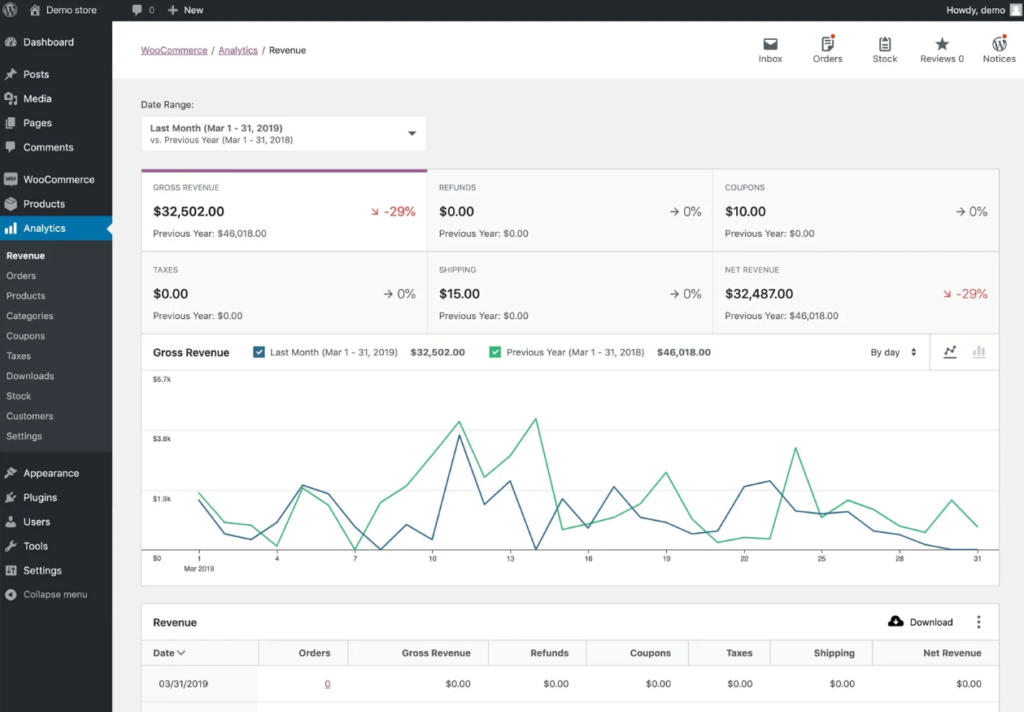
WooCommerce is a free, open-source ecommerce plugin for WordPress. You install it on your WordPress site and it transforms your site into a fully functional online store.
Because it’s built on WordPress, it gives you complete control over every aspect of your store – from how it looks to how it functions.
Key facts about WooCommerce:
- Free to install (but you need hosting and a domain)
- Over 7 million active stores worldwide
- Requires a WordPress site to work
- Highly customizable with plugins and themes
What is Shopify?
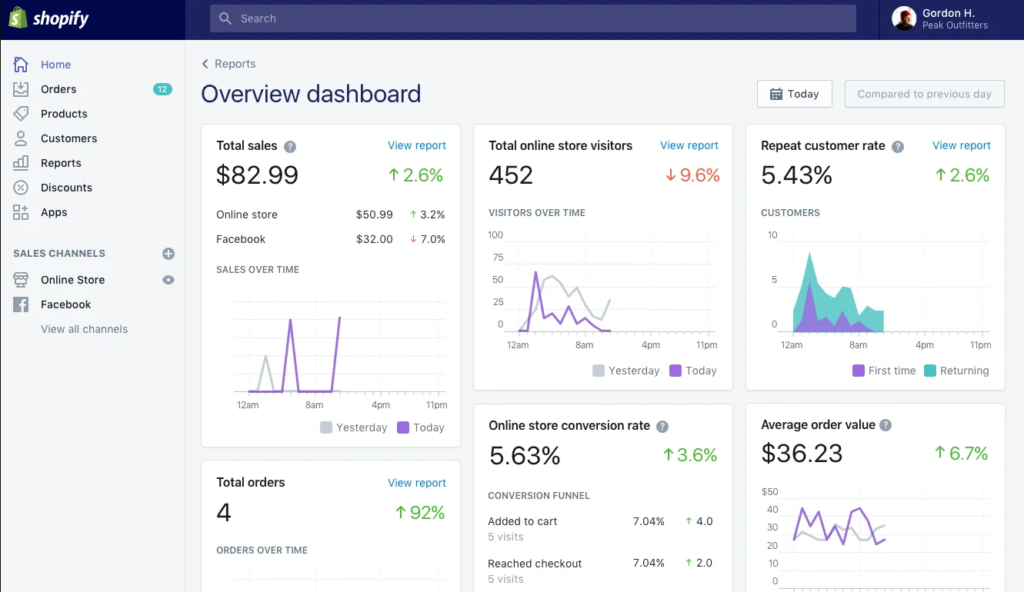
Shopify is a fully hosted ecommerce platform. You sign up, pay a monthly fee, and everything – hosting, security, updates – is handled for you.
It’s designed to get your store live as quickly as possible, with minimal technical knowledge required.
Key facts about Shopify:
- Starts at $29/month (Basic plan)
- Fully hosted – no server management needed
- Used by over 4.6 million stores globally
- Limited customization compared to WooCommerce
WooCommerce vs Shopify: Head-to-Head Comparison
Let me compare both platforms across the areas that matter most when choosing the best ecommerce platform for your business.
1. Ease of Use
Shopify wins here – especially for beginners.
Shopify is built for people who want to sell online without dealing with technical details. The setup wizard walks you through adding products, connecting a payment gateway, and launching your store in under an hour.
WooCommerce has more of a learning curve. You first need to install WordPress on your hosting, then install WooCommerce, then configure it. If you’ve never used WordPress before, this can feel overwhelming at first.
That said, once you get past the initial setup, WooCommerce becomes quite manageable – and you gain far more control in return.
Verdict: Shopify is easier to start with. WooCommerce rewards those willing to spend a little time learning.
2. Pricing and Total Cost
This is where things get interesting – and where many people are surprised.
Shopify pricing (monthly):
- Basic: $29/month
- Shopify: $79/month
- Advanced: $299/month
- Plus 2% transaction fee if you don’t use Shopify Payments
WooCommerce pricing:
- WooCommerce plugin: Free
- Hosting: From ~$2.99/month (with Hostinger)
- Domain: ~$10-15/year
- Premium plugins/themes: Optional, varies
With WooCommerce, your base cost can be as low as $3-5/month. Shopify will cost you at least $29/month, and costs can climb quickly once you add apps from their marketplace.
Pro Tip: Many Shopify apps charge monthly fees. A store using 5-6 apps can easily be paying $100-200/month in app subscriptions on top of the plan fee.
Verdict: WooCommerce is significantly cheaper for most small to medium stores. Shopify’s costs scale fast.
3. Customization and Flexibility
WooCommerce is the clear winner.
Because WooCommerce runs on WordPress, you have access to over 59,000 plugins and thousands of themes. You can build virtually any type of store – physical products, digital downloads, subscriptions, bookings, memberships, and more.
You can also choose a lightweight WordPress theme that loads fast and looks great without touching a line of code.
Shopify does offer themes and an app store, but your customization options are limited to what Shopify allows. Want to modify something outside their structure? You’ll need to learn Liquid (their templating language) or hire a developer.
Verdict: WooCommerce gives you full freedom. Shopify keeps you within its ecosystem.
4. SEO Capabilities
WooCommerce (via WordPress) has the SEO advantage.
WordPress is arguably the most SEO-friendly platform available. With plugins like Rank Math or Yoast SEO, you can fully control every meta tag, schema, sitemap, breadcrumb, and URL structure.
If you’re comparing SEO tools, check out our detailed Rank Math vs Yoast SEO comparison to pick the right one for your store.
Shopify has decent built-in SEO but it has limitations:
- URL structures are fixed (e.g., /products/ and /collections/ can’t be removed)
- Less granular control over technical SEO settings
- Canonical tags and hreflang management is less flexible
If SEO is central to your growth strategy – and it should be – WooCommerce gives you a clear edge.
Verdict: WooCommerce wins on SEO, especially for content-driven stores.
5. Performance and Speed
Both platforms can be fast – but the results depend on different things.
Shopify: Speed is largely handled for you. Shopify’s infrastructure is optimized and uses a CDN by default. Most stores load quickly without any configuration.
WooCommerce: Speed depends on your hosting quality, theme, and optimization. A poorly configured WooCommerce store can be slow. But a well-optimized one – with good hosting, a lightweight theme, and a caching plugin – can be extremely fast.
Check out our guides on how to speed up your WordPress website and the best caching plugins for WordPress to get your WooCommerce store performing at its best.
Verdict: Shopify is faster out of the box. WooCommerce can match or beat it with proper optimization.
6. Security
Shopify wins on baseline security.
Since Shopify is fully hosted, they manage SSL, PCI compliance, and server-level security. You don’t need to think about it.
With WooCommerce, security is your responsibility. This isn’t necessarily a bad thing – it just means you need to take it seriously. Installing a security plugin, keeping WordPress and plugins updated, and choosing a reputable host goes a long way.
Our WordPress security guide covers everything you need to keep your WooCommerce store protected.
Verdict: Shopify is more secure by default. WooCommerce can be equally secure with the right setup.
7. Payment Gateways
Both platforms support major payment gateways like PayPal, Stripe, and credit cards.
Shopify:
- Shopify Payments (built-in, no transaction fees)
- Third-party gateways available but with added transaction fees (0.5% to 2%)
- Shopify Payments not available in all countries
WooCommerce:
- No extra transaction fees (beyond what the gateway charges)
- Supports 100+ payment gateways via plugins
- Works with local and regional payment providers
For international sellers or those in markets where Shopify Payments isn’t supported, WooCommerce is more flexible.
Verdict: WooCommerce wins on payment flexibility. Shopify’s transaction fees are a real cost to consider.
8. Scalability
Both can scale, but differently.
Shopify handles scale without you lifting a finger – more traffic, more products, Shopify manages it. But scaling also means moving to higher (more expensive) plans.
WooCommerce scales with your hosting. If you start on shared hosting and your store grows, you upgrade to a VPS or managed WooCommerce hosting. You’re in control of the infrastructure.
Verdict: Shopify scales more easily. WooCommerce scales more affordably.
Quick Comparison Table
| Feature | WooCommerce | Shopify |
|---|---|---|
| Starting Cost | ~$3-5/month | $29/month |
| Ease of Use | Moderate | Beginner-friendly |
| Customization | Full control | Limited |
| SEO | Excellent | Good |
| Security | Manual setup | Fully managed |
| Transaction Fees | None | Up to 2% |
| Payment Gateways | 100+ | Limited without fees |
| Scalability | Hosting-dependent | Built-in |
Who Should Choose WooCommerce?
WooCommerce is the right choice if you:
- Already have or want a WordPress website
- Want to keep costs low, especially starting out
- Need full control over your store’s design and functionality
- Care deeply about SEO and content marketing
- Want to sell a mix of physical products, digital goods, or subscriptions
- Are comfortable with a small learning curve
If you’re setting up WordPress for the first time, our guide on how to install WordPress on any hosting will walk you through it step by step.
Who Should Choose Shopify?
Shopify is the better fit if you:
- Want to launch a store as quickly as possible
- Have no interest in managing hosting or technical settings
- Are running a product-focused store with straightforward needs
- Have a budget that comfortably covers $29+/month
- Sell in high volumes and need reliable, managed infrastructure
Common Mistakes to Avoid
Choosing Shopify just because it seems easier Ease of setup doesn’t mean lower long-term costs. Calculate what 12 months of Shopify (plan + apps) costs vs WooCommerce (hosting + plugins). The difference is often significant.
Not accounting for Shopify’s transaction fees If you’re in a country where Shopify Payments isn’t available, you’ll pay an extra fee on every single transaction. On a store doing $10,000/month in sales, that’s $100-200/month in fees alone.
Installing too many plugins on WooCommerce More plugins mean more potential conflicts, slower load times, and security risks. Stick to essential WordPress plugins and only add what you genuinely need.
Ignoring site speed on WooCommerce A slow store loses customers. Take the time to optimize from day one – caching, image compression, and a good theme make a huge difference. Our guide on image optimization in WordPress is a great starting point.
Frequently Ask Questions (FAQ)
Is WooCommerce better than Shopify for SEO?
Yes, in most cases. WooCommerce runs on WordPress, which gives you full control over URL structures, meta tags, schema, and sitemaps through plugins like Rank Math. Shopify has good SEO basics but is more rigid in technical customization.
Can I switch from Shopify to WooCommerce later?
Yes, but it takes work. You’ll need to export your products, customer data, and orders and import them into WooCommerce. Redirects also need to be set up carefully to avoid losing SEO rankings. It’s better to choose the right platform from the start.
Is WooCommerce free?
The WooCommerce plugin itself is free. However, you’ll need to pay for web hosting and a domain name. With affordable hosting like Hostinger, your total cost can be as low as $3-5/month, making it far cheaper than Shopify’s starting plan.
Which platform is better for a beginner?
Shopify is easier to set up with zero technical knowledge. But if you’re willing to spend a couple of hours learning WordPress basics, WooCommerce gives you much more control and costs significantly less. For budget-conscious beginners, WooCommerce is often the smarter long-term choice.
Does WooCommerce work for large stores?
Absolutely. WooCommerce powers some very large stores with thousands of products. You’ll need solid hosting (VPS or managed WordPress hosting) and proper optimization, but it handles scale very well.
What are the transaction fees on WooCommerce?
WooCommerce charges no transaction fees of its own. You only pay whatever the payment gateway (like Stripe or PayPal) charges, typically 2.9% + $0.30 per transaction – the same you’d pay anywhere else.
Conclusion
When it comes to WooCommerce vs Shopify, there’s no universal winner – it depends on your needs, budget, and how much control you want.
- Choose Shopify if you want something simple, fully managed, and you’re okay paying a premium for convenience.
- Choose WooCommerce if you want flexibility, lower costs, better SEO control, and you’re building on WordPress.
For most WordPress users and budget-conscious store owners, WooCommerce is the stronger long-term choice. Pair it with reliable hosting – Hostinger offers plans starting from $2.99/month – and you have everything you need to build a fast, professional online store without overspending.
If you’re just getting started, check out our guide on how to start a WordPress blog and make money – the principles apply just as well to building an ecommerce store.
Have questions about which platform is right for your specific situation? Drop a comment below – I’d love to help.